How do I update my Garmin Drive Track 71?
Garmin DriveTrack 71 In-Vehicle Dog Tracker
Status:
Open Feb 25, 2026 - 02:11 PM
1answer
Answer
Feb 25, 2026 - 02:11 PM
To update your Garmin Drive Track 71, connect the device to your computer using a USB cable and open Garmin Express software. Follow the on-screen instructions in Garmin Express to check for and install available map and software updates. Ensure your device is fully charged or connected to a power source during the update process.
View More Product Details
Garmin DriveTrack 71 In-Vehicle Dog Tracker
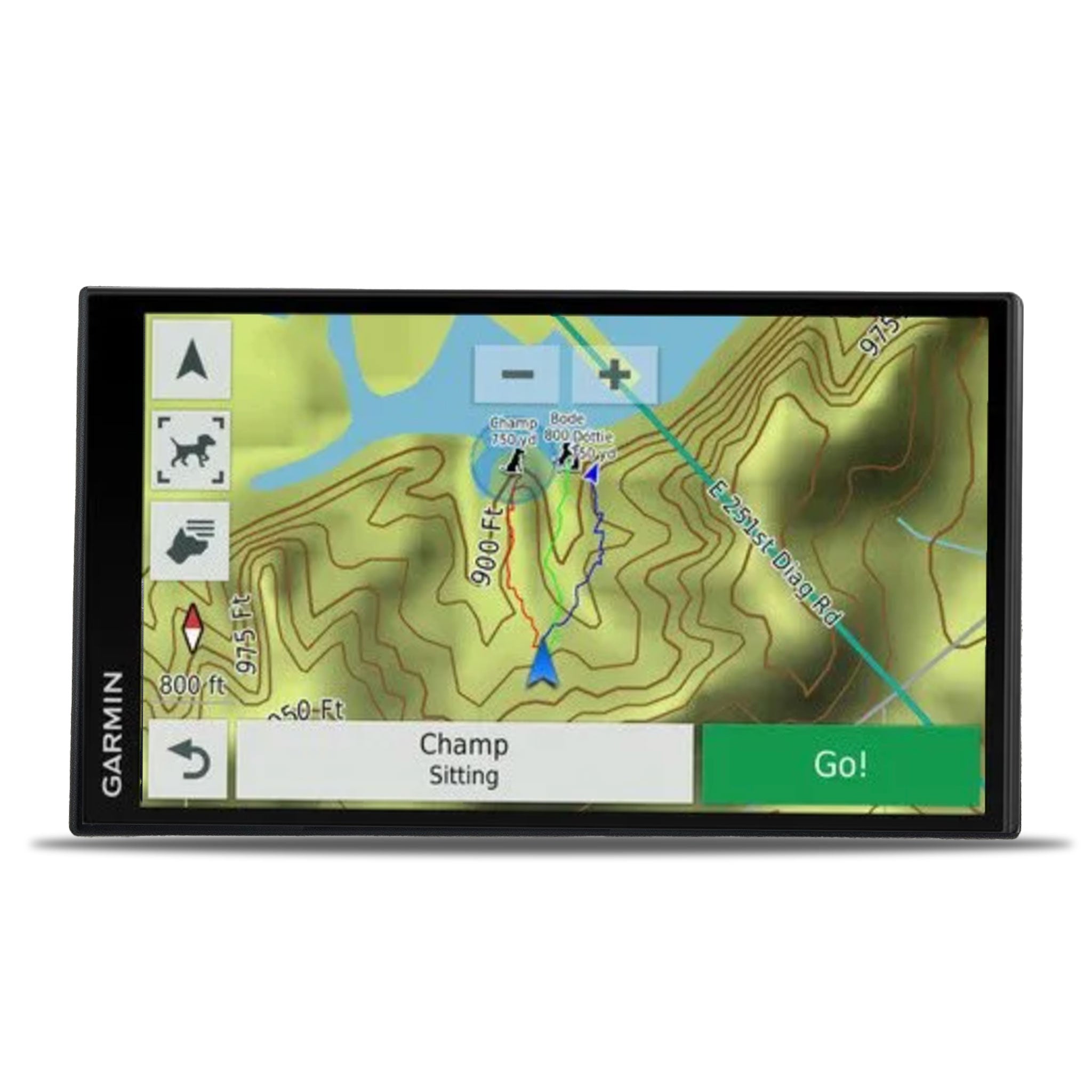
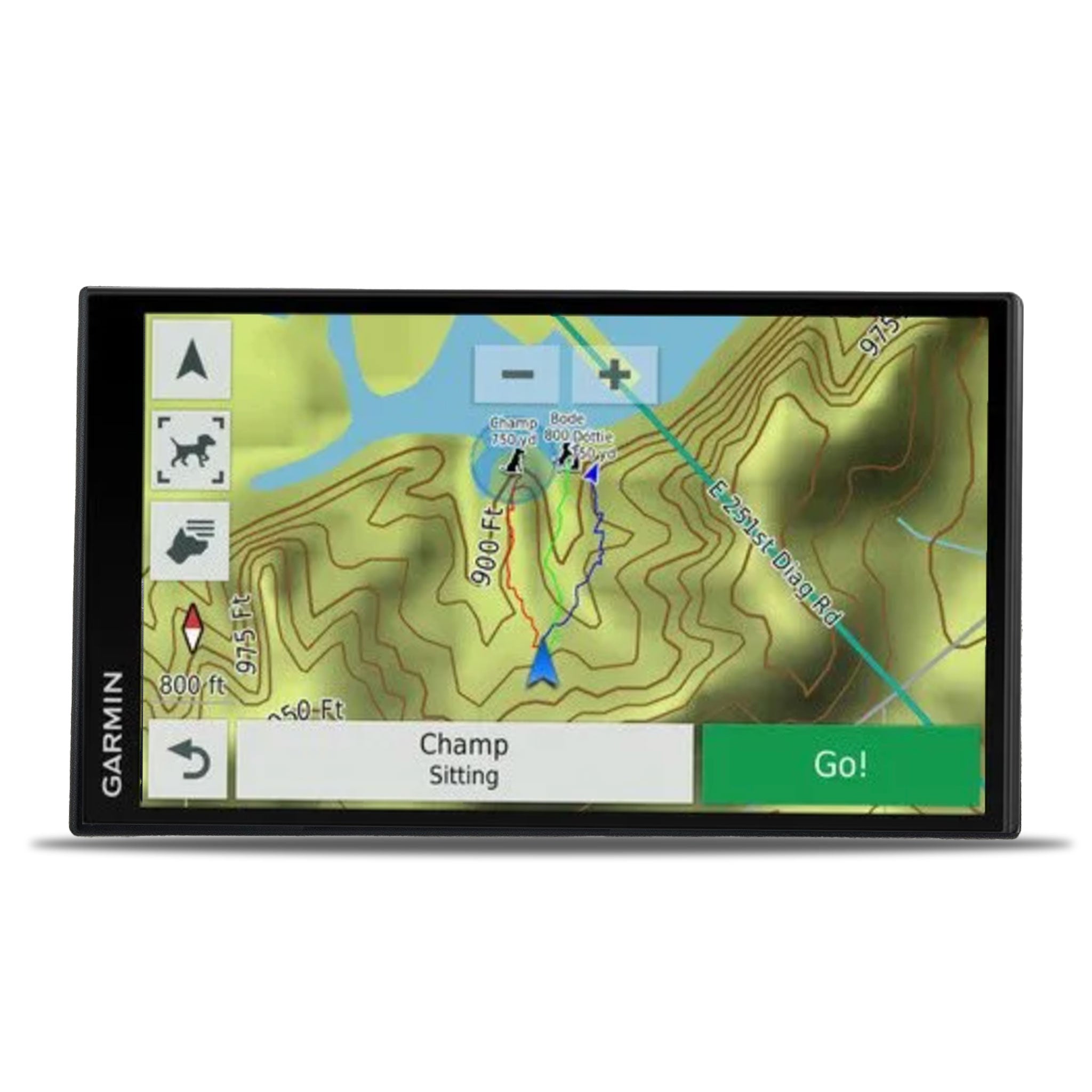
Garmin DriveTrack 71 Upgrade your adventure with the Garmin DriveTrack 71 LMT GPS, designed for on-road and off-road navigation and comprehensive dog tracking. This sleek, slim device is lighter and thinner than its predecessor, the DriveTrack 70, offering enhanced portability and ease of use. Seaml...
See More
View all Garmin DriveTrack 71 In-Vehicle Dog Tracker Questions & Answers