Answer
Mar 30, 2026 - 08:45 AM
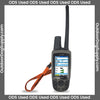
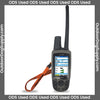
To connect your Astro 220 collar, first ensure that both the handheld device and the collar are fully charged and turned on. Then, use the handheld device to select "Dog List" from the main menu, choose "Add Dog," and follow the on-screen instructions to pair the collar with the device by touching the two together or entering the collar ID. Once paired, you should be able to track the collar's location on the handheld device.