How to replace antenna on Garmin TT25?
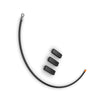
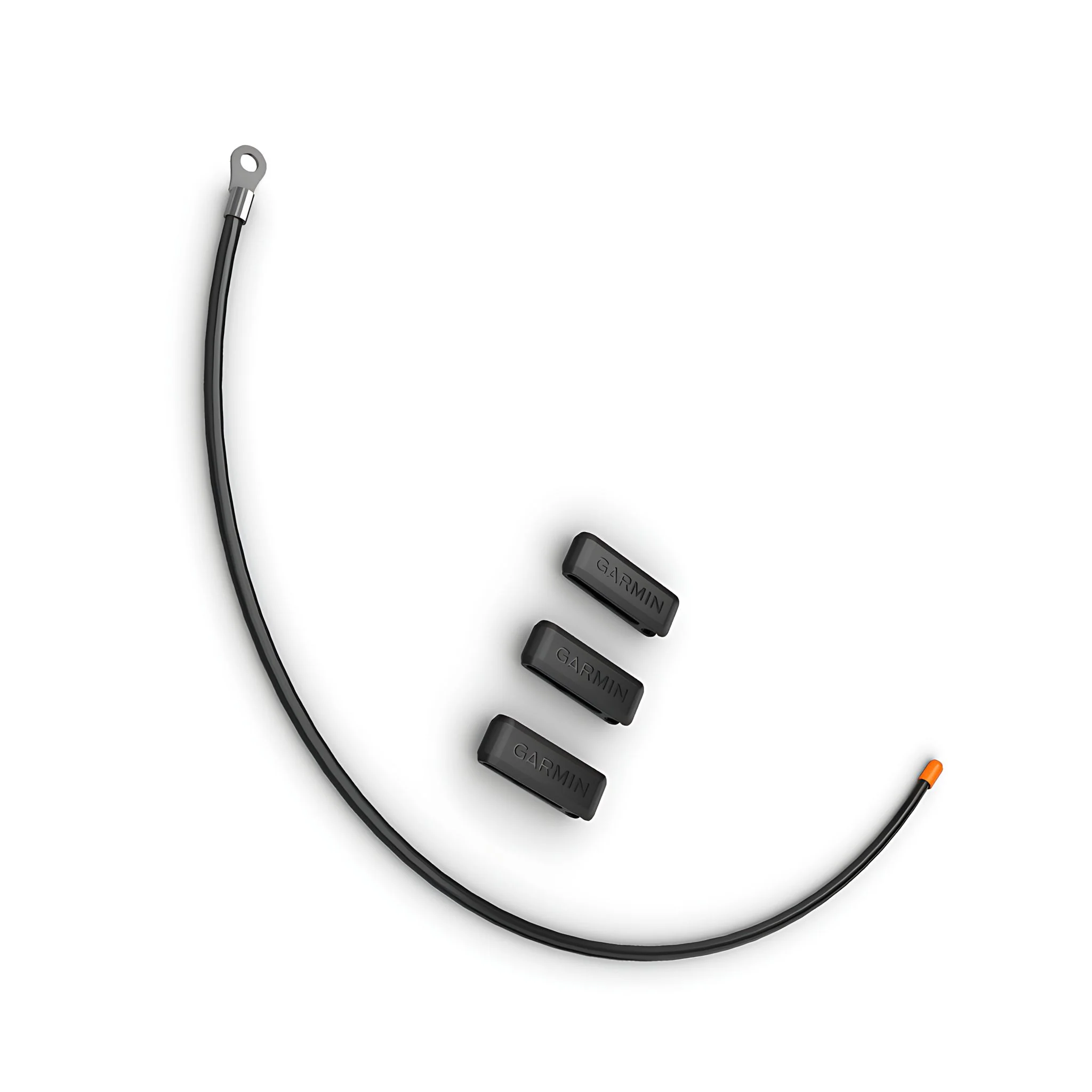
Garmin TT25/T20 Compact VHF Antenna (14 1/2") and Clips
Status:
Open Apr 20, 2026 - 10:52 AM
1answer
Answer
Apr 20, 2026 - 10:52 AM
To replace the antenna on a Garmin TT25, first ensure the device is powered off. Carefully unscrew and remove the old antenna, then attach the new one by aligning it with the connector and tightening it securely. Always refer to the user manual for specific instructions and safety precautions.
View More Product Details
View More Product Details
Garmin Standard 18" Collar Replacement Antenna
Garmin Standard 18" Collar Replacement Antenna - Mini TT15, Mini T5, TT10, T5, TT15X, T5X, TT25, T20, and TB10Introducing the Garmin 18 1/2" Flexible Steel Whip Antenna – the ultimate replacement antenna designed to enhance the performance and longevity of your dog collar system. Crafted w...
See More
View all Garmin TT25/T20 Compact VHF Antenna (14 1/2") and Clips Questions & Answers