Answer
Apr 22, 2026 - 12:20 PM
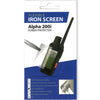
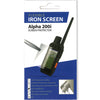
To put a screen protector on a Garmin device, first clean the screen thoroughly with a microfiber cloth to remove any dust or fingerprints. Carefully align the screen protector with the edges of the screen, then gently press it down from the center, smoothing out any air bubbles. Make sure to follow any specific instructions included with the screen protector for the best results.